Contents
How Google picks its AI Overview sources.
AI Overviews only appear when Google decides that an AI-written answer adds something beyond the classic results. Launched in the U.S. in May 2024, they're now available in more than 200 countries and territories. To write one, Google can run several searches related to the topic, then link to the pages that support its answer.
Google decides whether an AI Overview is useful for this search. Often, it shows none.
It runs related searches across several subtopics of the question (query fan-out).
It writes an overview and adds links to the pages that support it.
Google sets only one condition: be indexed and eligible to show with a snippet.
- Page crawled by Googlebot and indexed
- Snippet allowed (no nosnippet)
- Site included in AI features (Search Console)
Among the pages it finds, Google keeps the ones that best support its answer.
- The answer in the first lines
- The essentials in text, well structured
- Related questions covered
Each overview includes links to learn more, pointing to the pages that support the answer. “Show more” opens the detailed view; on mobile, a follow-up question switches to AI Mode.
Google says so itself: AI answers can contain mistakes. Being the cited source also means keeping control of the information.
AI Overviews and AI Mode: when do they appear?
Google shows an AI Overview when its systems judge generative AI especially helpful, for example to bring together information from several sources. In the U.S., Pew Research Center found one on 18% of Google searches in March 2025, mostly longer searches phrased as questions. AI Mode is a separate conversation for specific or nuanced questions: according to Google, the average AI Mode search is three times as long as a traditional one.
- The same crawler, Googlebot, and the same index as classic search.
- SEO basics: helpful content, an indexed page, a good page experience.
- Structured data that matches the visible text.
- One question triggers several searches: cover the whole topic, not just one keyword.
- Links also come from related searches, not only from the top results.
- Fewer clicks per search: the overview already partly answers.
Sources: Google Search Central (December 2025), Google (May 2024 and May 2026), Pew Research Center (July 2025).
What you control: crawler, snippet, Search Console.
AI Overviews don't have their own crawler: Googlebot crawls your pages, just as it does for classic search. You have three levels of control over your presence.
Google Search's crawler. A page it can't crawl can't be cited in an AI Overview.
Used to train and ground Gemini models. Blocking it doesn't change your presence in Google Search.
Includes or excludes your whole site from AI Overviews, AI Mode and generative AI features in Discover. By default, your site is included.
After you change the setting in Search Console, the exclusion takes effect within 1 to 2 days, sometimes longer.
Four tags also affect AI Overviews: noindex, nosnippet, data-nosnippet and max-snippet.
What makes a page easy to cite.
Google doesn't publish a recipe for AI Overview optimization. These six practices show how to optimize content for AI Overviews: they make a page easy to read and reuse, in AI Overviews and classic results alike. Hover or tap them to see them on the page.
Writing rules, applied to every article.
The Generator starts from real search data.
- Direct answer
- Structured headings
- Real FAQ
- Matches search intent
Rankings still matter, but they're not everything.
To write an AI Overview, Google runs several related searches and, in its own words, shows “a wider and more diverse set of helpful links” than classic search. So a page can be cited without ranking first for the original search, if it answers one of the related questions well.
Every related search is a chance to be found: also answer the questions your topic naturally raises.
SEO for Google AI Overviews rests on the same basics, Google says: crawlable pages, internal links, a good page experience. The same rules as for classic search.
Google advises backing up your text with high-quality images and videos when they serve the topic.
Precise, dated information: an outdated answer is unlikely to be picked up.
- Search Google for the 10 questions your customers ask most.
- Note whether an AI Overview appears, and which pages it links to.
- Compare with your competitors: who's cited, and why?
- Repeat the test every month: answers change.
Get cited in AI Overviews.
Seven steps to optimize for AI Overviews, from essential to optional. Check them off as you go.
Let Googlebot crawl your pages
Check robots.txt, but also your CDN and your host: a firewall can block Googlebot without you noticing.
yoursite.com/robots.txt# Google Search and AI Overviews: allow
User-agent: Googlebot
Allow: /

# Gemini training: your choice
User-agent: Google-Extended
Disallow: /

Sitemap: https://yoursite.com/sitemap.xml
Get the page indexed, with a snippet
A page that isn't indexed, or is marked nosnippet, can't be used as a source. Check it with the URL Inspection tool in Search Console.
<!-- Avoid on a page you want cited -->
<meta name="robots" content="nosnippet">

<!-- Recommended -->
<meta name="robots" content="index, follow, max-snippet:-1">
Keep your site included in AI features
In Search Console, open Settings › Search generative AI. Your site is included by default: check that no one has excluded it.
Keep the essentials in text
Google reads the text on the page. An answer hidden in an image, or in a video without a transcript, is harder to pick up.
Make structured data match the visible text
AI Overviews don't require any special markup. But your structured data must say the same thing as the text shown on the page.
Businesses: keep your Google listings up to date
Google recommends it for its AI features: an up-to-date Business Profile and Merchant Center catalog, with the same information as your site.
Write the answer before the details
When optimizing for AI Overviews, the step that makes the biggest difference isn't technical: start every page and every section with a clear answer.
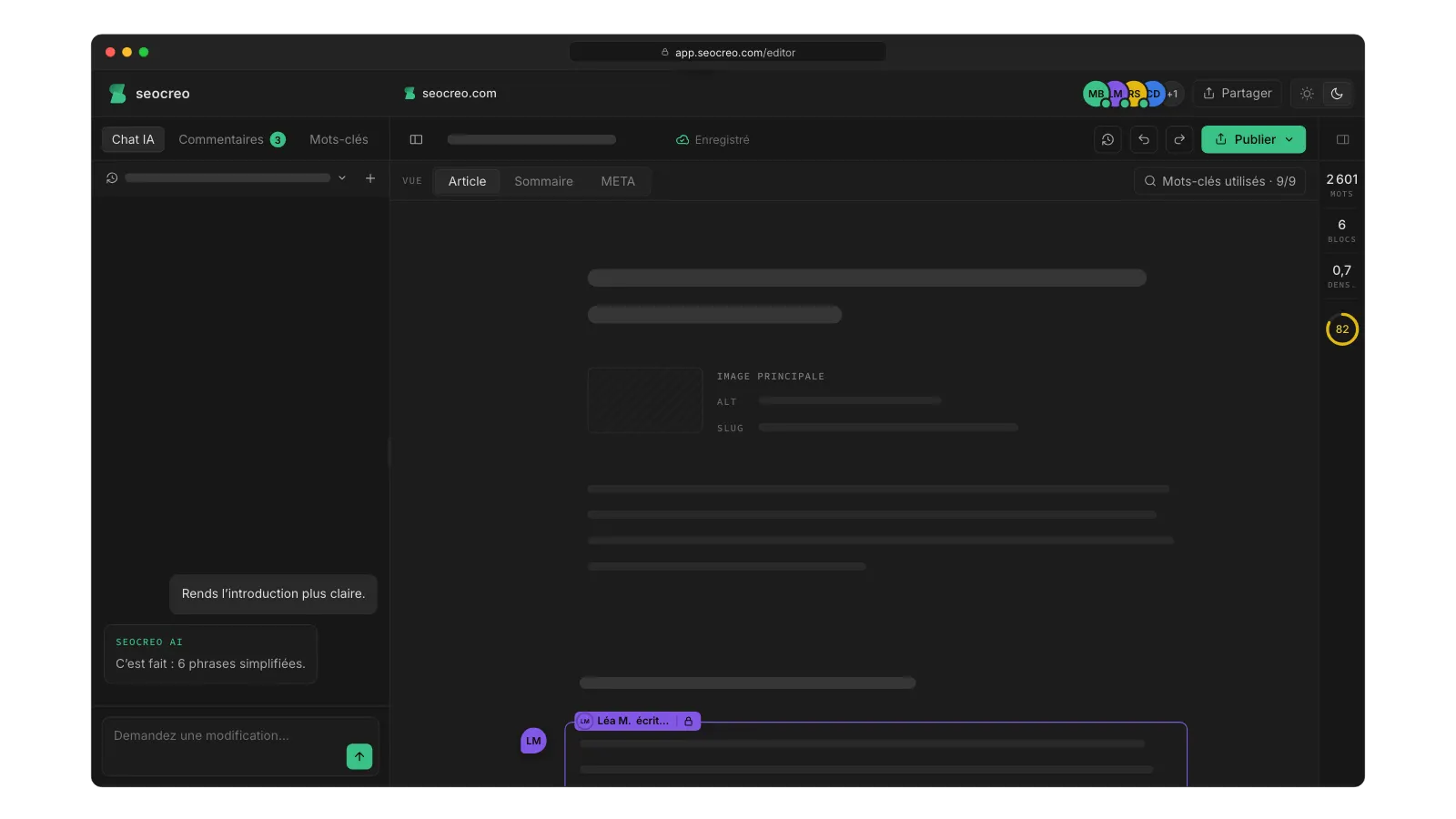
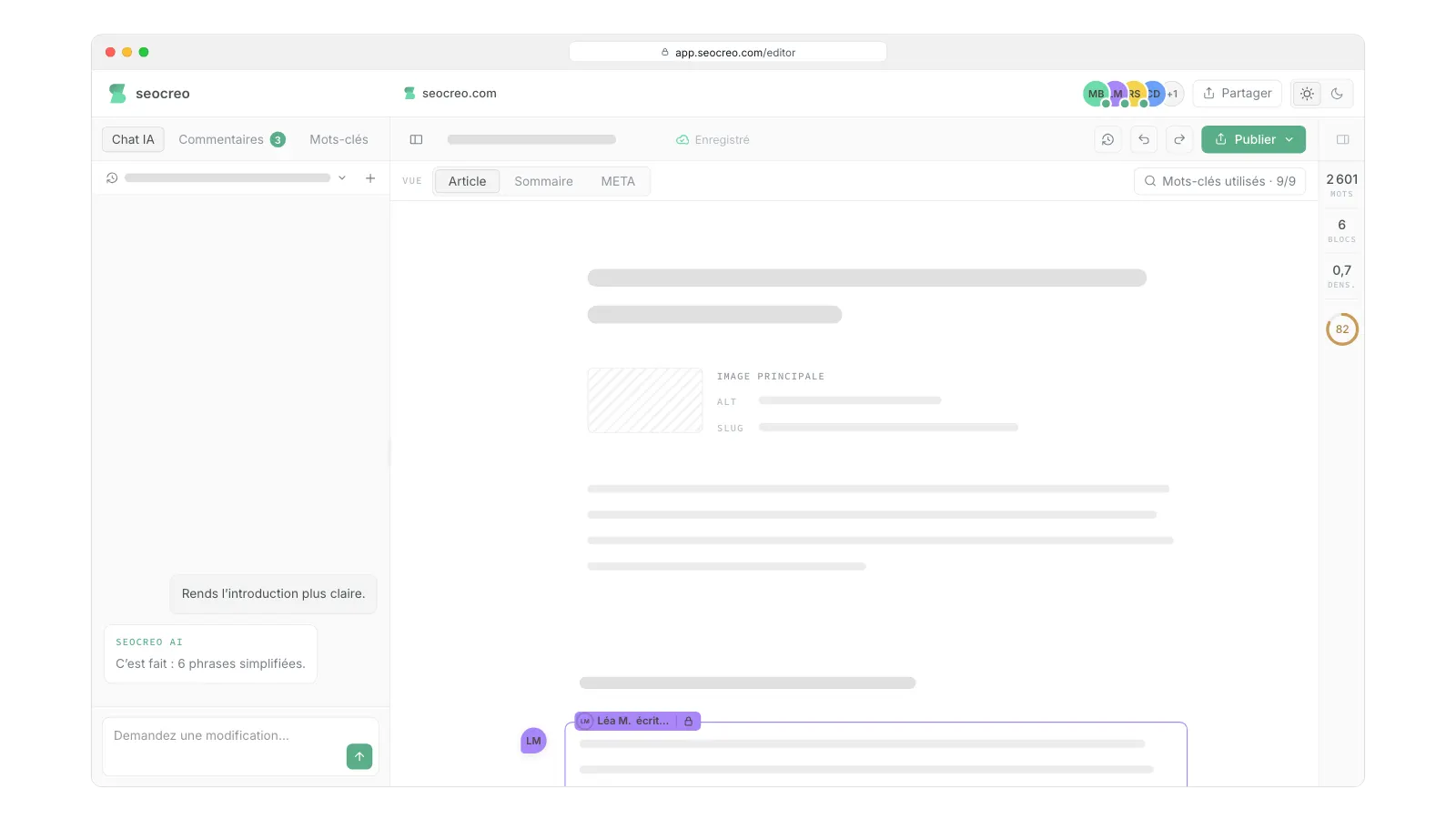
Your article is ready. Polish it together.
Your team and your clients work on the same article at the same time. The AI assistant does what you ask, and the article goes to your site in one click.
Measure your visibility in AI Overviews.
Unlike ChatGPT, Google gives you numbers: a Search Console report counts your impressions in AI Overviews and AI Mode. Clicks, however, stay mixed in with classic search.
- Open the reportSearch Console › Performance › Generative AI.
- Look at impressionsHow many times your pages appeared in AI Overviews and AI Mode.
- Find your top pagesThe pages, countries and devices that get the most impressions.
- Compare with your clicksIn the standard Performance report: more impressions without more clicks is common.
AI Overviews traffic isn't reported separately: visits from an AI Overview or AI Mode are counted as Google organic search.
In the U.S., Pew Research Center found that users clicked a result in 8% of searches with an AI Overview, versus 15% without (March 2025). Google, for its part, says clicks from AI Overviews are higher quality.
Sources: Search Console Help (2026), Google Analytics Help (May 2026), Pew Research Center (July 2025), Google Search Central (December 2025).
Common myths.
Six claims you hear a lot about AI Overviews, and what's actually true.
No. Google says no special structured data is needed to appear in AI Overviews.
No. Google says no AI-specific file or markup is needed for its AI features.
No. Google-Extended relates to Gemini. It has no effect on inclusion or ranking in Google Search.
No. Google says its AI features show a wider and more diverse set of links than classic search.
No. Google says this setting isn't a ranking signal for the rest of Search.
No. In the U.S., Pew Research Center found that users clicked results about half as often when an AI Overview appeared. Being cited keeps you visible at the very top of the page, with a link.
Frequently asked questions.
What are Google AI Overviews?
Google AI Overviews are summaries written by Google's AI, shown at the top of the search results, with links to the pages that support them. They only appear when Google judges that they add something beyond the classic results.
Where are AI Overviews available?
In more than 200 countries and territories, and in dozens of languages. Google launched them in the U.S. in May 2024; the full list of countries and languages is in Google Search Help.
Can you turn off AI Overviews?
Not as a searcher: Google treats them as a core feature of Search. After a search, the “Web” filter shows only links, without an AI Overview. As a site owner, however, you can opt out (see above).
How do you appear in Google AI Overviews?
Your page must be indexed and eligible to show a snippet. There's no special tag to add. Then Google keeps the pages that answer the question, and the related questions, most clearly.
Which searches trigger an AI Overview?
Google shows AI Overviews in Search when generative AI seems especially helpful, for example to bring together information from several sources. In the U.S., Pew Research Center found an AI Overview on 18% of searches in March 2025, mostly longer searches phrased as questions.
Do you need to be in the top 10 to rank in AI Overviews?
No. Google runs several related searches and links to a wider and more diverse set of pages than classic search. A good classic ranking helps you rank in Google AI Overviews, but a page can also be cited because it answers a related question.
Can you stop Google from using your site in AI Overviews?
Yes. The Search generative AI control in Search Console excludes your whole site from AI Overviews, AI Mode and generative AI features in Discover. Page by page, the nosnippet, data-nosnippet and max-snippet tags limit what Google can reuse.
Does blocking Google-Extended remove my site from AI Overviews?
No. Google-Extended controls how your content is used for Gemini. Google states that it has no effect on inclusion or ranking in Google Search.
How can I tell if my pages appear in AI Overviews?
In Search Console, open Performance › Generative AI. The report counts your pages' impressions in AI Overviews and AI Mode, by page, country and device. Some SEO tools also track cited pages, keyword by keyword.
Do AI Overviews reduce traffic?
On average, yes. In the U.S., Pew Research Center found that users clicked a result in 8% of searches with an AI Overview, versus 15% without, and clicked a link inside the overview itself in just 1% of cases (March 2025). Google, for its part, says these clicks are higher quality.
What's the difference between AI Overviews and AI Mode?
AI Overviews appear above the classic results, for some searches. AI Mode is a conversational experience for longer questions, with follow-up questions. The rules for sites are the same.
What topic do you want to be visible for?
Seocreo writes structured articles built to be picked up by ChatGPT and other AI tools, without sacrificing your Google rankings.
Get started for freeNo credit card
Built for Google and for AI
- AI features and your websiteGoogle Search Central · updated December 10, 2025
- Generative AI in Search: Let Google do the searching for youGoogle · May 14, 2024
- How AI Mode is changing the way people search in the U.S.Google · May 19, 2026
- Search generative AI controlSearch Console Help · accessed October 30, 2026
- Generative AI performance report (Search)Search Console Help · accessed October 30, 2026
- Robots meta tag, data-nosnippet, and X-Robots-Tag specificationsGoogle Search Central · updated March 24, 2026
- Google's common crawlers (Google-Extended)Google Search Central · updated October 15, 2026
- Google users are less likely to click on links when an AI summary appears in the resultsPew Research Center · July 22, 2025
- What's new in Google AnalyticsGoogle · May 13, 2026
- Find information in faster & easier ways with AI Overviews in Google SearchGoogle Search Help · accessed October 30, 2026
 GuideSEO for ChatGPT
 GuideBing Webmaster Tools